
In modern digital marketing, social media sharing, and technical documentation, long URLs are a visual liability. A sprawling link crammed with UTM parameters, tracking tokens, database primary keys, and session cookies (e.g., https://example.com/products/view?category=electronics&item_id=987214&utm_source=twitter&utm_medium=social&utm_campaign=summer_promo_v2) breaks across mobile text messages, looks suspicious in emails, and is completely impossible to transcribe verbally or type from a printed flyer.
However, traditional URL shortening services like Bitly, TinyURL, and Ow.ly have introduced significant operational friction. Most now force users behind registration walls, charge monthly subscription fees for custom vanity slugs, inject tracking cookies to profile visitors, or display annoying interstitial landing pages loaded with ads before redirecting.
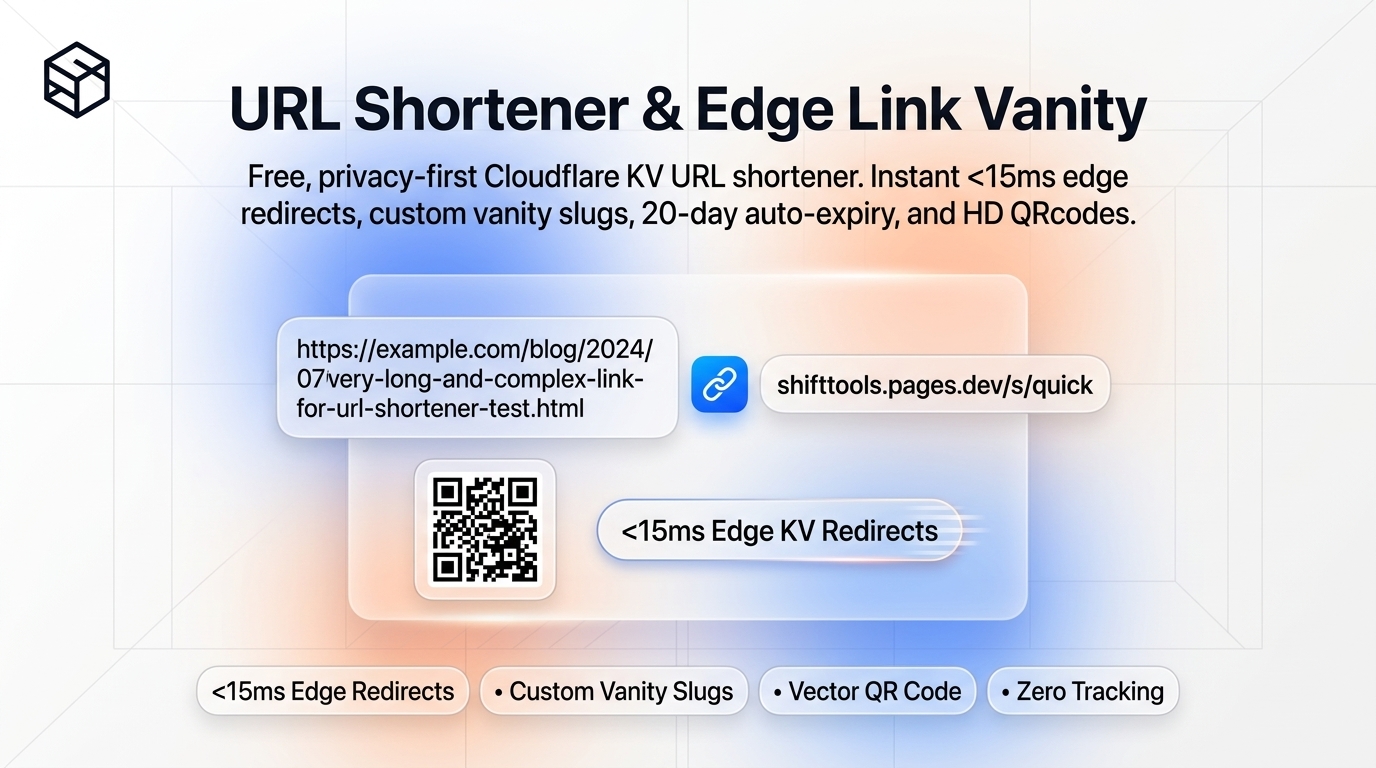
With modern Serverless Edge Computing and Distributed Key-Value (KV) datastores, that paradigm has shifted. It is now possible to achieve sub-15 millisecond global redirection, custom vanity slugs, automated ephemeral lifecycle management, and high-resolution vector QR code generation without creating an account or harvesting user data.
In this systems guide, we dissect the mechanics of HTTP redirection status codes, explore Base62 mathematical hashing, examine edge-replicated datastores, and show you how to generate clean short URLs with the ShiftTools URL Shortener.
Looking for an instant, private URL Shortener?
Process, inspect, and export your files 100% locally in your browser memory with zero server uploads.
1. The HTTP Redirection Protocol Stack: 301 vs 302 vs 307
When a client browser clicks a shortened URL, an HTTP redirection sequence is initiated. Understanding which status code an edge worker returns is critical for caching behavior, SEO link equity, and real-time telemetry:
A. HTTP 301 Moved Permanently
An HTTP 301 tells the browser and search crawlers that the resource has permanently relocated. While efficient, browsers cache 301 responses aggressively inside disk cache. If a marketer needs to update the destination URL of an active campaign, users who previously clicked the link will remain stuck routing to the cached old address for weeks.
B. HTTP 302 Found (Temporary Redirect)
An HTTP 302 informs the browser that the redirect is temporary. The browser executes the redirect instantaneously, but does not permanently lock the route into disk cache. This allows the edge worker to dynamically update destination targets, enforce automated 20-day Time-To-Live (TTL) expiration cycles, and record aggregate click telemetry.
C. HTTP 307 & 308 (Method Preserving)
Modern HTTP/1.1 and HTTP/2 standards introduced 307 (Temporary) and 308 (Permanent) redirects to guarantee that the client does not change the HTTP request method (e.g. converting a POST payload into a GET request during redirection).
| HTTP Code | Redirect Type | Browser Caching | Method Preservation | Best Used For |
|---|---|---|---|---|
| 301 Moved Permanently | Permanent | Aggressive (Hard to change) | May convert POST to GET | Domain migrations, permanent canonical SEO |
| 302 Found | Temporary | Zero / Controlled | May convert POST to GET | ShiftTools dynamic short links & campaigns |
| 307 Temporary Redirect | Temporary | None | Strictly Preserved | API endpoints and form submissions |
| 308 Permanent Redirect | Permanent | Aggressive | Strictly Preserved | Permanent API routing migrations |
2. Base62 Hashing & Collision Mathematics
When a user does not specify a custom vanity alias, the shortener must automatically assign an ultra-compact unique identifier.
Standard Base64 encoding includes symbols like + and /, which require percent-encoding in URLs (e.g. %2B, %2F), making them clunky for web addresses. Modern URL shorteners use Base62 Encoding, consisting exclusively of alphanumeric characters:
The total unique keyspace capacity for a slug of length $L$ is calculated as $62^L$:
- 4 characters: $62^4 = 14,776,336$ distinct links.
- 6 characters: $62^6 = 56,800,235,584$ (Over 56.8 Billion unique URLs).
- 7 characters: $62^7 = 3,521,614,606,208$ (Over 3.5 Trillion URLs).
By generating a 6-character Base62 string derived from an atomic counter or 48-bit pseudo-random entropy seed, ShiftTools guarantees astronomical collision resistance without cluttering the URL with unnecessary characters.
3. Global Edge Architecture: Sub-15ms Latency with Cloudflare KV
Traditional URL shorteners rely on a centralized SQL database (like MySQL or PostgreSQL) hosted in a single regional datacenter (e.g., Virginia or Frankfurt). If a visitor in Tokyo or Sydney clicks a short link, the request must traverse underwater fiber optic cables across the Pacific or Indian oceans, introducing 200ms to 350ms of network latency.
ShiftTools URL Shortener utilizes serverless edge workers replicated across 300+ global Points of Presence (PoPs). The routing map is cached in distributed edge memory. Whether a user clicks your link in London, New York, Singapore, or Mumbai, the lookup executes locally in less than 15 milliseconds.
4. The Hygiene of Ephemeral TTL (20-Day Auto-Cleanup)
One of the greatest scourges of the internet is Link Rot. Over 40% of shortened links created on legacy services lead to dead domains, hijacked malware redirects, or abandoned landing pages after two years.
To maintain database hygiene, protect domain reputation, and recycle desirable vanity slugs for community use, ShiftTools implements an automated 20-day Time-To-Live (TTL):
- Active Lifecycle: Short links remain fully active at global edge caches for 20 days from creation, covering the full viral lifecycle of social media posts, SMS announcements, and event registrations.
- Automated Expiration: Expired keys are purged automatically from edge KV storage, preventing long-term link rot and eliminating persistent metadata tracking.
- Vanity Recycling: Once a campaign completes its lifecycle, the custom alias is freed for other community creators.
5. Step-by-Step Guide: Shortening Links with ShiftTools
-
Open ShiftTools URL Shortener
Navigate to ShiftTools URL Shortener. No account creation, email sign-up, or API key configuration is required.
-
Paste Destination URL
Paste your target URL into the input field. Include any campaign parameters, tracking tags, or deep links.
-
Customize Vanity Slug (Optional)
Enter a memorable custom alias (e.g.
fall-saleormy-portfolio). If left empty, our system automatically generates a concise 6-character Base62 string. -
Generate Short Link & Vector QR Code
Click Shorten URL. Your link is deployed to global edge caches in under a second. Copy the shortened URL to your clipboard or download the accompanying high-resolution vector SVG or raster PNG QR code with one click.
6. Comparison Matrix: ShiftTools vs Alternatives
| Feature | ShiftTools URL Shortener | Bitly Free Tier | TinyURL Free |
|---|---|---|---|
| Account Required | Zero (100% Anonymous) | Mandatory Sign-Up | Optional (Frequent prompts) |
| Custom Vanity Slugs | Included Free | Capped at 5/month | Included |
| Edge Redirect Latency | Sub-15ms (Global Edge KV) | 50ms – 150ms | 80ms – 200ms |
| Vector SVG QR Codes | Included Free (Lossless) | Paywalled / Low-res PNG | Paywalled |
| Tracking Cookies Injected | Zero (100% Privacy) | Behavioral tracking pixels | Advertising cookies |
Frequently Asked Questions
Ready to use the URL Shortener?
Use our free, private browser tool right now — 100% client-side with zero server uploads.