
Whether you are a videographer attempting to hand off 80GB of ProRes 4K footage to an editor across town, a developer sharing an unreleased 15GB virtual machine disk image with a colleague, or a photographer transferring a catalog of high-resolution RAW images from an iPhone to a Linux workstation, the conventional advice has always been identical: "Just dump it into Google Drive, Dropbox, or WeTransfer."
Yet for anyone who frequently moves large binary assets, the centralized cloud storage workflow is fraught with compounding friction: rigid 2GB or 15GB free quotas, slow upload queues capped by asymmetric ISP speeds, forced user registration, monthly recurring paywalls, and deep privacy concerns over unencrypted files sitting on remote datacenter servers.
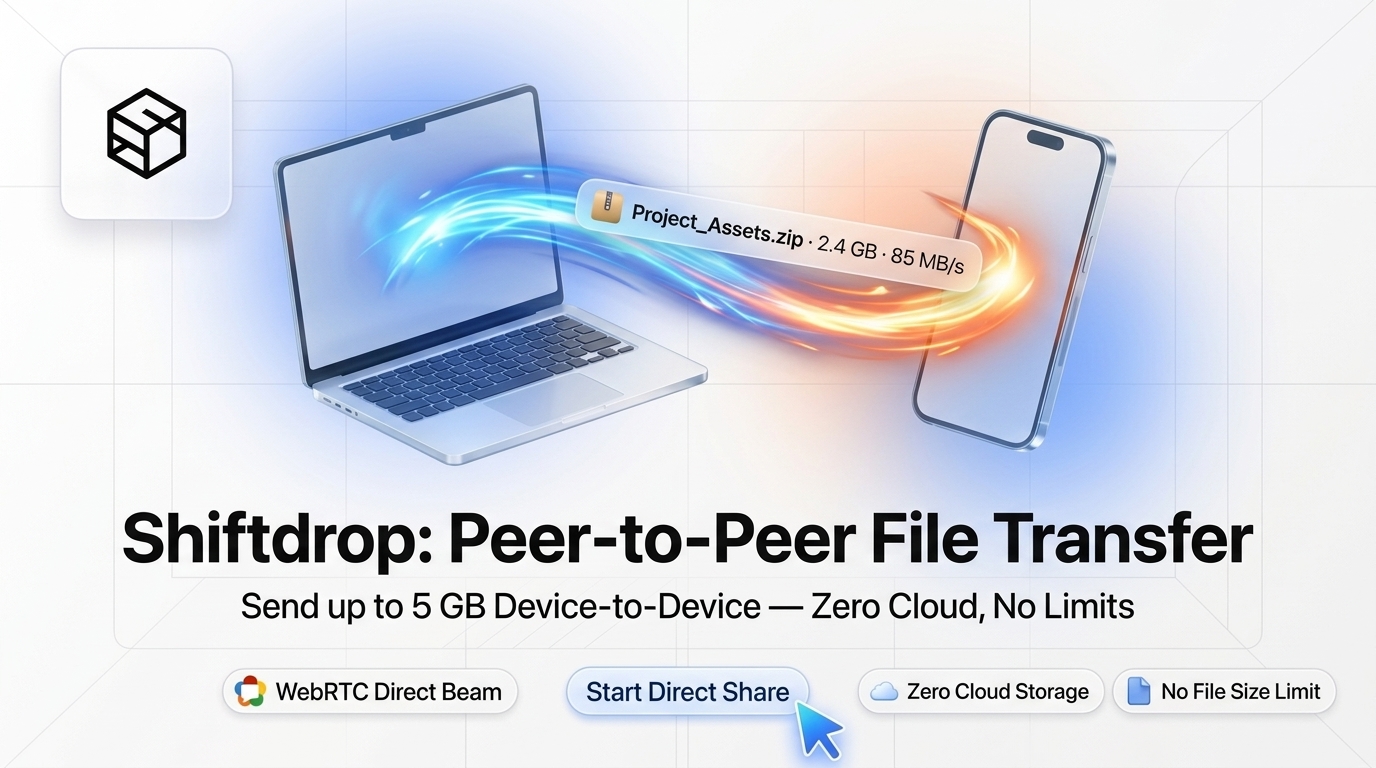
Fortunately, a modern technological alternative has matured inside the web browser: Peer-to-Peer (P2P) File Transfer powered by WebRTC data channels. With tools like Shiftdrop, your data moves directly from your machine's storage controller across an end-to-end encrypted socket into the recipient's machine—completely bypassing intermediate cloud servers, eliminating file size caps, and cutting transfer times in half.
Looking for an instant, private ShiftDrop?
Process, inspect, and export your files 100% locally in your browser memory with zero server uploads.
1. The Problem with Centralized Cloud File Sharing
To understand why peer-to-peer file sharing represents such a radical leap forward, it helps to examine the architectural mechanics of a traditional cloud storage upload.
The Double-Hop Latency Penalty
When you share a 20GB project archive via Google Drive, Box, or WeTransfer, your data does not travel to your recipient. Instead, it completes two entirely independent network trips:
- Hop 1 (Client to Datacenter): Your machine reads the 20GB from your local disk and uploads it across the public Internet to the cloud provider's object store (such as Amazon S3, Google Cloud Storage, or Azure Blob). If your home or office Internet connection has an asymmetric upload speed of 25 Mbps, this single upload step takes nearly two hours.
- Hop 2 (Datacenter to Recipient): Once the upload is 100% complete and processed by the cloud provider, a shareable link is generated. Your recipient clicks the link and downloads the 20GB file from the cloud datacenter to their local machine.
Notice the inefficiency: 40GB of cumulative bandwidth is consumed across the wider Internet to transfer a 20GB file, and your recipient cannot begin receiving byte number one until you have finished uploading byte 20,000,000,000.
The Surveillance and Third-Party Storage Risk
When your files land on a cloud provider's storage volume, they are subjected to corporate data policies. Unless you manually configure PGP or symmetric AES file encryption prior to upload, cloud operators maintain the technical capability to scan file contents, index metadata, or hand files over to third parties in response to subpoenas or terms-of-service disputes. For proprietary source code, confidential financial disclosures, NDA-governed creative assets, or private medical documents, storing unencrypted copies on third-party cloud infrastructure is unacceptable.
In a peer-to-peer system like Shiftdrop, there is no Hop 2. The moment your browser reads chunk #1 from your hard drive, it encrypts it and sends it directly across the socket to your peer. The recipient writes that chunk to their local disk in real-time. The file never exists anywhere on the Internet except in the transit pipeline between your two endpoints.
2. Deconstructing WebRTC Data Channels Under the Hood
WebRTC (Web Real-Time Communication) is an open-source standard drafted by Google, Mozilla, and the W3C that empowers web browsers to execute direct voice, video, and arbitrary data streaming without external plugins or native client software.
While video conferencing (like Google Meet) utilizes WebRTC MediaStreams, P2P file transfer utilizes the RTCDataChannel API. The network stack powering an RTCDataChannel is constructed from several foundational networking layers:
A. The Signaling Phase (SDP Offer & Answer)
Before two browsers can speak to each other, they need to know each other's network addresses and cryptographic capabilities. Because neither browser can guess the other's external IP address, a lightweight Signaling Server is utilized.
- Peer A (Sender) creates an
RTCPeerConnectionand generates an SDP (Session Description Protocol) Offer containing supported codecs, encryption fingerprints, and channel parameters. - This SDP payload is relayed through the signaling server to Peer B (Receiver) via a shared Room ID or QR code scan.
- Peer B receives the offer, generates an SDP Answer, and transmits it back through the signaling channel.
- Once the handshake completes, the signaling server's job is finished. No file data ever touches this signaling layer.
B. NAT Traversal with STUN and ICE
Most consumer and corporate computers sit behind Network Address Translation (NAT) firewalls and Wi-Fi routers, meaning they possess private IP addresses (such as 192.168.1.45 or 10.0.0.12) that are unroutable over the public Internet.
To penetrate these NAT barriers, WebRTC utilizes ICE (Interactive Connectivity Establishment) in tandem with STUN (Session Traversal Utilities for NAT). A STUN query sends a tiny UDP probe to a public STUN server, which responds with the peer's public-facing IP address and port mapping. Once both peers exchange their ICE candidates, they attempt direct UDP hole punching to form a peer-to-peer transport socket.
C. End-to-End DTLS Cryptography
Security is not optional in WebRTC; it is hardcoded into the specification. All RTCDataChannels are encapsulated inside DTLS (Datagram Transport Layer Security), which provides TLS-grade security over datagram sockets. During connection setup, both browsers perform a TLS handshake directly with each other, generating ephemeral session keys using elliptic curve cryptography (ECDHE).
Because the cryptographic keys exist strictly inside the memory of the two interacting browser instances, neither ISPs, network administrators, nor the signaling server possess the keys required to decrypt the payload.
3. High-Throughput Chunking & Flow Control in Browser RAM
One common question software engineers ask is: "If a file is 40GB, how does a browser handle it without crashing the tab from an out-of-memory error?"
Browsers impose strict memory limits on individual JavaScript heaps (typically 2GB to 4GB). If an application attempted to read a 40GB file into an in-memory Blob or ArrayBuffer, the browser tab would immediately terminate with an OutOfMemory crash.
Shiftdrop solves this by implementing a pipelined binary chunking stream:
- Slicing via File API: The sender's browser slices the selected file into standardized 64KB binary chunks using
File.slice(start, end). - Reading On-Demand: Chunks are read sequentially into temporary
ArrayBufferslices via the modernReadableStreamengine. At any given millisecond, only a few megabytes of data occupy system memory. - Backpressure Management: Sending data across a network faster than the underlying socket can transmit causes the browser's internal network buffer to balloon, creating latency and packet loss. Shiftdrop monitors
RTCDataChannel.bufferedAmount. Whenever the outbound buffer exceeds 8MB, transmission pauses until thebufferedamountlowevent signals that the socket has drained. - Direct Disk Assembly: On the receiving end, incoming 64KB chunks are piped into a
WritableStreamusing the browser's native File System Access API or cached into temporary IndexedDB disk stores. Once the final chunk arrives, the browser triggers a native operating system file save.
4. LAN Acceleration: Gigabit Speeds on Local Networks
One of the most powerful capabilities of WebRTC P2P is automatic Local Area Network (LAN) acceleration.
When two devices (such as your smartphone and your desktop computer, or two laptops in an office) are connected to the same Wi-Fi router or Ethernet switch, ICE candidate gathering identifies direct Host Candidates (e.g., 192.168.1.15 → 192.168.1.88).
When a local host connection is formed, data packets travel exclusively through your local network switch at full hardware capacity. Instead of being throttled by your ISP's 20 Mbps or 50 Mbps internet upload plan, transfers achieve 300 Mbps to 900+ Mbps (40MB/s to 110MB/s) on Wi-Fi 6 or Gigabit Ethernet. Best of all, zero bytes of your internet data cap are consumed.
5. Architectural Comparison: P2P vs Cloud Providers
Here is how browser-native WebRTC file transfer compares across key operational criteria against popular sharing methods:
| Feature | Shiftdrop (WebRTC P2P) | Google Drive / Dropbox | WeTransfer / Smash | Apple AirDrop |
|---|---|---|---|---|
| File Size Limit | Unlimited (Streamed) | Capped by account tier (15GB free) | 2GB free (paywall thereafter) | Unlimited |
| Server Storage Footprint | 0 Bytes (Never stored) | Permanent cloud retention | Stored on server for 7-30 days | 0 Bytes |
| Transfer Latency | Single hop (Instant receive) | Double hop (Upload then download) | Double hop (Upload then download) | Single hop |
| Cross-Platform Support | All (Any browser, Windows/Mac/Linux/iOS/Android) | All (Requires account login) | All | Apple devices only |
| End-to-End Encryption | Mandatory DTLS (AES-GCM) | Encrypted at rest (Keys held by cloud) | Encrypted in transit only | TLS over AWDL |
| Account or Sign-up | None (Instant room access) | Mandatory account creation | Email verification required | Apple ID / Bluetooth pairing |
6. Step-by-Step Guide: How to Share Files with Shiftdrop
Sending files peer-to-peer requires no software installation, no browser extensions, and zero user account configuration. Follow these simple steps:
-
Open Shiftdrop on Both Devices
Navigate to ShiftTools Shiftdrop on the sending machine (e.g., your laptop) and on the receiving device (e.g., your smartphone or a coworker's desktop).
-
Connect via Room ID or QR Code
Your screen will generate a short, secure Room ID and an accompanying QR code. If the other device is a phone or tablet, simply scan the QR code using the device camera. If transferring remotely, share the Room ID or direct link via chat.
-
Establish Direct WebRTC Tunnel
Within two to three seconds, the WebRTC signaling handshake completes, and a green "Connected (P2P Direct)" badge will appear on both screens.
-
Select Files and Stream
Drag and drop your files or entire folders onto the dropzone. The transfer starts immediately. Both peers can view real-time progress indicators, transfer speed telemetry in MB/s, and elapsed time counters.
-
Save Cleanly to Disk
As soon as the binary verification check passes, the receiving browser triggers a local file save prompt. The file is saved directly to your local file system, leaving zero residual traces in the cloud.
Frequently Asked Questions
Ready to use the ShiftDrop?
Use our free, private browser tool right now — 100% client-side with zero server uploads.