
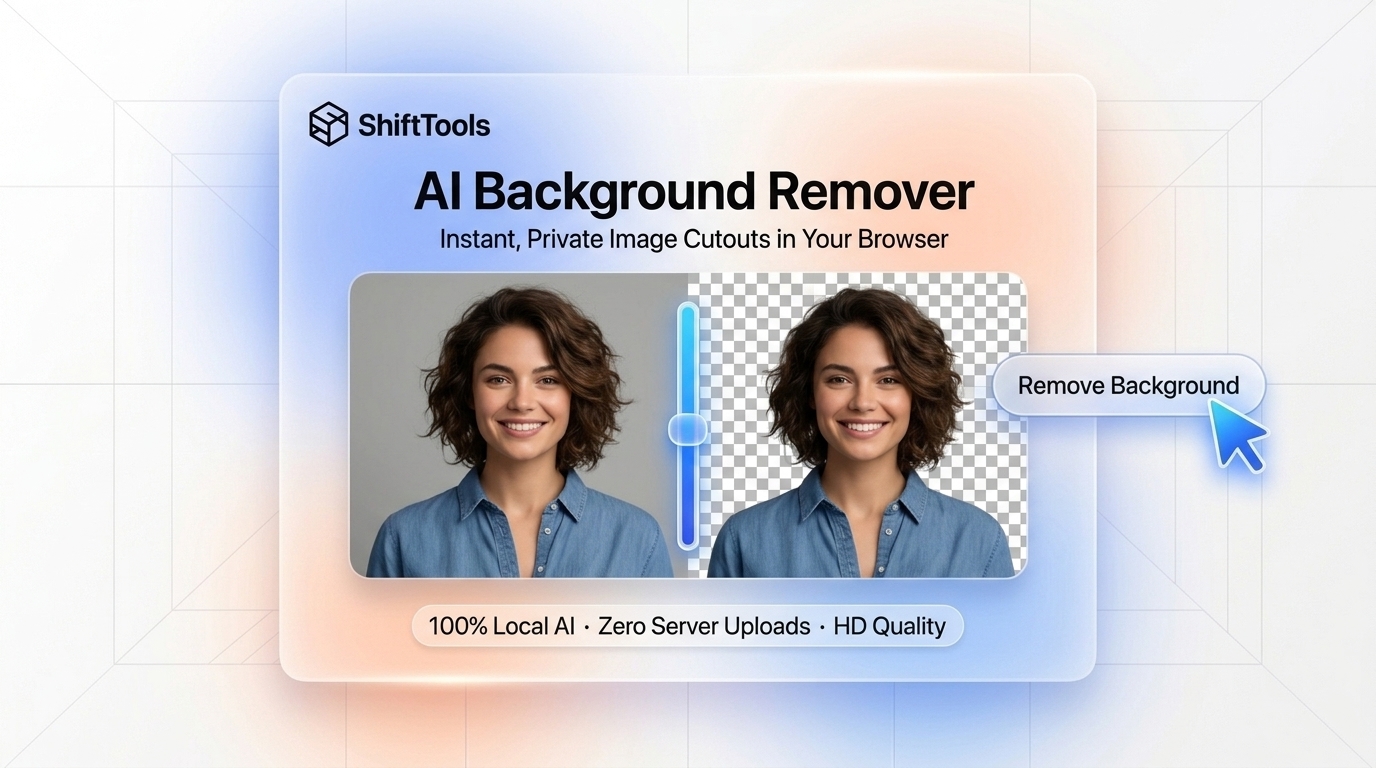
Extracting a subject from its background used to be one of the most tedious manual tasks in digital image editing. Graphic designers spent hours with the Photoshop Pen Tool tracing anchor points around silhouettes, meticulously painting hair boundaries with Refine Edge brushes, and wrestling with color spill.
Over the past three years, deep learning has revolutionized computer vision through Salient Object Detection (SOD) and Dichotomous Image Segmentation (DIS). Neural networks can now differentiate between a foreground person, pet, or product and its surrounding environment with sub-pixel precision in milliseconds.
However, almost every popular background removal tool on the internet (such as remove.bg, Canva, and PhotoRoom) relies on centralized cloud servers. Every time you process a picture, your personal portraits, commercial product prototypes, or proprietary company images are uploaded to external datacenters, billed against restrictive credit paywalls, or downscaled to tiny thumbnail previews unless you purchase an expensive monthly subscription.
With the advent of WebGPU, WebAssembly (WASM), and ONNX Runtime Web, that server-bound model is obsolete. It is now entirely possible to execute state-of-the-art vision models directly inside your web browser. In this deep dive, we explore how neural segmentation operates, examine the mechanics of alpha matting, and show you how to remove backgrounds with 100% privacy using the ShiftTools Background Remover.
Looking for an instant, private Background Remover?
Process, inspect, and export your files 100% locally in your browser memory with zero server uploads.
1. In-Browser Deep Learning & WebGPU Architecture
A. ONNX Runtime Web and Quantization
Standard deep learning models (such as PyTorch .pth checkpoints) are too heavy for web delivery, often exceeding 200MB. To execute in the browser, the neural network is converted to the Open Neural Network Exchange (ONNX) format and compressed using INT8 or FP16 Quantization. Quantization reduces the memory footprint by up to 75% (bringing the model down to ~35MB–50MB) while maintaining 99% of perceptual segmentation accuracy.
B. Hardware Acceleration via WebGPU
Traditional browser JavaScript is strictly single-threaded and unsuitable for matrix multiplications. WebGPU gives web applications direct, low-level access to the graphics processing unit (GPU). When ShiftTools processes an image, the neural network's convolutional and attention layers are dispatched directly to your GPU's tensor execution units via WGSL (WebGPU Shading Language) compute shaders, finishing inference in 800ms to 1.5s on modern hardware.
2. Semantic Segmentation vs Continuous Alpha Matting
To appreciate why modern AI cutouts look natural, it helps to understand the difference between binary segmentation and continuous alpha matting.
Binary Hard Masks (The Archaic Approach)
Early computer vision algorithms generated binary masks where every pixel was classified as strictly foreground ($1$) or background ($0$). This works acceptably for hard mechanical objects (like a coffee mug on a white table), but completely fails on human portraits. Because hair strands are narrower than a single camera sensor pixel, hair creates intermediate blended pixels. A binary mask produces harsh, pixelated, "cardboard cutout" edges.
Continuous Alpha Matting (The Modern Approach)
State-of-the-art vision models (like U^2-Net and MODNet) solve the Digital Matting Equation:
Where $I$ is the observed pixel color, $F$ is the true foreground color, $B$ is the background color, and $\alpha \in [0, 1]$ is the continuous opacity value. By predicting a floating-point alpha channel across boundary regions, the model smoothly separates fine wisps of hair, translucent glass, and semi-sheer fabric, allowing the subject to blend flawlessly over any new backdrop without harsh fringes.
| Segmentation Model | Execution Environment | Edge Quality | Inference Speed | Server Cost |
|---|---|---|---|---|
| ShiftTools In-Browser (WebGPU) | Client-Side (Local GPU) | Sub-pixel continuous matte | 800ms – 1.5s | $0.00 (Free forever) |
| Cloud APIs (remove.bg / Canva) | Remote Cloud Datacenter | High | 2s – 5s (plus upload queue) | $0.20 – $1.99 per image |
| Classic Chroma Key (Green Screen) | Color thresholding | Poor (Severe green spill) | 10ms | $0.00 |
| Manual Pen Tool (Photoshop) | Human operator | High (Manual) | 15 – 45 minutes | Labor intensive |
3. The Severe Privacy Risks of Cloud Background Erasers
Most users do not realize that when they upload an image to an online "free background remover," their photo is transmitted to a third-party server infrastructure.
Consider the real-world implications:
- Personal Headshots & Biometrics: Uploading selfies or corporate ID photos exposes facial biometrics to potential facial recognition databases.
- Unreleased Product Prototypes: E-commerce brands prepping launch campaigns frequently leak embargoed product designs when employees casually upload catalog photography to cloud editing sites.
- Confidential Documents: Photos of signed paper documents, whiteboards with architecture diagrams, or medical ID cards uploaded to remote servers violate HIPAA, GDPR, and enterprise confidentiality agreements.
The ShiftTools Background Eraser runs 100% inside your browser. Once the model weights are cached in your browser storage, you can disconnect your computer from the Internet entirely. Test it in Airplane Mode—it will continue removing backgrounds at blazing speed with zero network packets emitted.
4. Step-by-Step Guide: Erasing Backgrounds with ShiftTools
Follow these simple steps to isolate subjects cleanly:
-
Open ShiftTools Background Remover
Navigate to the ShiftTools Background Remover. No account registration, API key, or credit card is required.
-
Drop Your Image onto the Canvas
Drag and drop your photo (JPG, PNG, WebP, or HEIC) onto the upload area. The browser will initialize the ONNX WebGPU runtime and display your image on an interactive canvas.
-
Automatic Neural Segmentation
The model processes the image in a single pass, identifying the salient foreground subject, computing the continuous alpha mask, and erasing the background in under two seconds.
-
Customize Backdrop (Optional)
Keep the background 100% transparent (standard checkerboard pattern) or click to add a clean solid studio color (such as pure white for Amazon/eBay e-commerce listings or corporate brand colors).
-
Download Full-Resolution Output
Click Download PNG or Download WebP. Your high-resolution cutout is saved directly to your computer with zero compression watermarks.
5. Comparison Matrix: ShiftTools vs Alternatives
| Feature | ShiftTools Background Remover | Cloud Removers (remove.bg) | Adobe Photoshop AI |
|---|---|---|---|
| Privacy & Zero-Upload | 100% In-Browser (Local GPU) | Cloud Server Upload | Hybrid (Cloud processed) |
| Pricing | 100% Free Forever | 1 free credit, then paywall | $239/year Subscription |
| Watermarks Added | None (100% Clean) | None (but tiny preview size) | None |
| Maximum Output Resolution | Full Native Resolution | Capped at 0.25 MP on free tier | Full Native Resolution |
| Works Offline | Yes (After initial cache) | Impossible | Partial |
Frequently Asked Questions
Ready to use the Background Remover?
Use our free, private browser tool right now — 100% client-side with zero server uploads.