
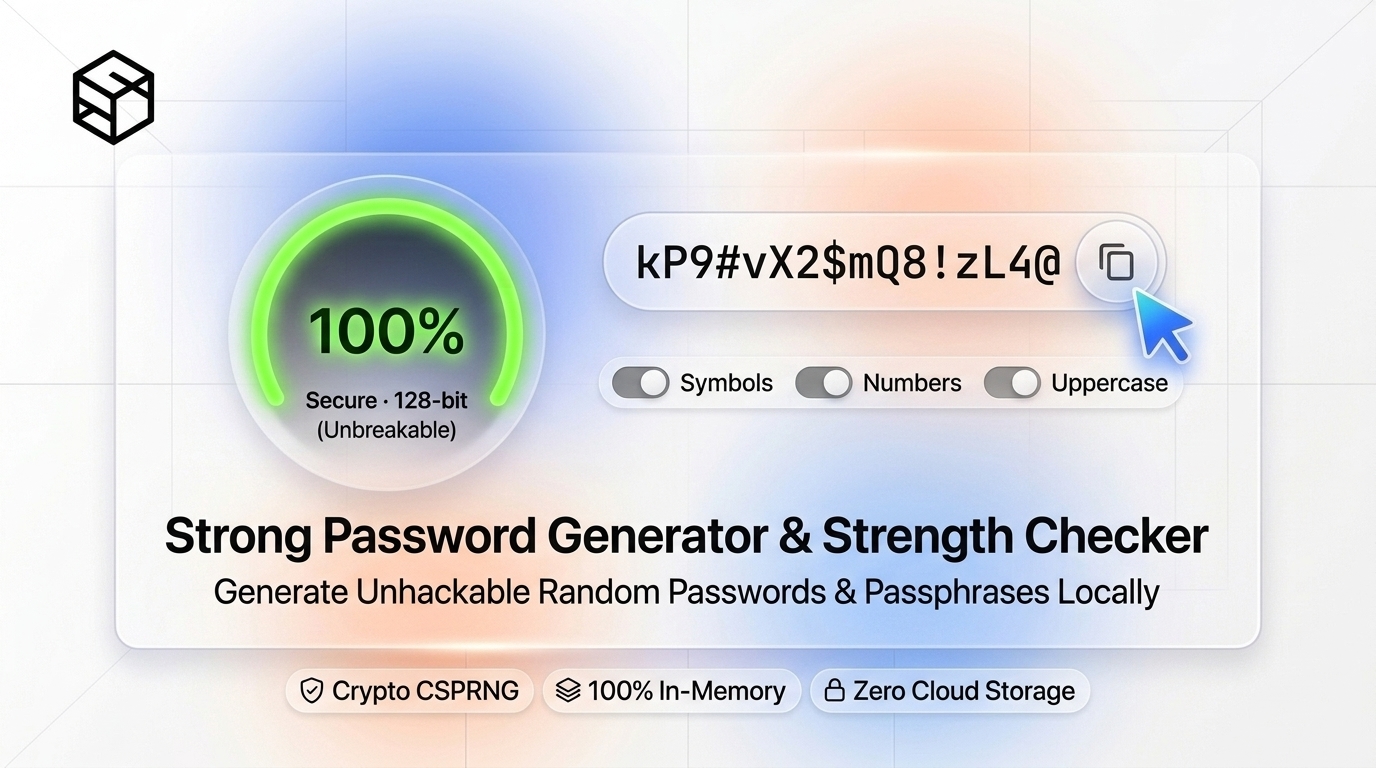
In the modern threat landscape, passwords remain the single most heavily targeted authentication barrier on earth. According to global cybersecurity breach disclosures, over 80% of corporate data intrusions and account takeovers trace back to compromised, re-used, or trivially predictable credentials.
Despite decades of user awareness warnings, human psychology remains naturally unsuited for generating cryptographic randomness. When tasked with creating a "strong" password, humans exhibit predictable cognitive biases: capitalizing the first letter, substituting @ for a or 1 for i, and appending an exclamation mark or the current year at the end (e.g., P@ssw0rd2026!). To modern automated cracking engines powered by high-performance GPU clusters, such patterns are mathematically trivial.
True digital security requires understanding Shannon Entropy, leveraging Cryptographically Secure Pseudo-Random Number Generators (CSPRNG), and adhering to modern NIST SP 800-63B standards. In this engineering guide, we dissect the mathematical realities of brute-force attacks, explain why standard JavaScript Math.random() is dangerous for credentials, compare high-entropy strings against Diceware passphrases, and demonstrate how to generate uncrackable credentials 100% in your browser using the ShiftTools Password Generator.
Looking for an instant, private Password Generator?
Process, inspect, and export your files 100% locally in your browser memory with zero server uploads.
1. The Math of Password Security: Shannon Entropy
In information theory, Entropy (measured in bits) quantifies the amount of uncertainty, surprise, or search space in a random variable. In cybersecurity, password entropy dictates how many guesses an adversary must make in the worst-case exhaustive search to crack your credential.
The mathematical formula for the entropy $H$ of a password generated from a uniformly random pool is:
Where:
- L = The length of the password (number of characters or words).
- N = The size of the character pool (the number of possible distinct symbols available at each position).
Let us calculate the pool size $N$ for various character sets:
- Numbers only (
0-9): $N = 10 \implies \log_2(10) \approx 3.32\text{ bits per character}$. - Lowercase letters only (
a-z): $N = 26 \implies \log_2(26) \approx 4.70\text{ bits per character}$. - Alphanumeric mixed case (
a-z, A-Z, 0-9): $N = 62 \implies \log_2(62) \approx 5.95\text{ bits per character}$. - Full printable ASCII (letters, numbers, 33 symbols): $N = 95 \implies \log_2(95) \approx 6.57\text{ bits per character}$.
| Password Example | Length (L) | Pool Size (N) | Entropy (Bits) | Resistance to Offline GPU Cracking |
|---|---|---|---|---|
summer2026 |
10 | 36 | $51.7\text{ bits}$ | Cracked in seconds (Pattern / Dictionary) |
Tr0ub4dor&3 |
11 | 95 | $72.3\text{ bits}$ | Moderate (Cracked in days on GPU cluster) |
k9#mP$2vL@x4W!zQ |
16 | 95 | 105.1 bits | Unbreakable (Millions of years) |
correct-horse-battery-staple |
4 words | 7,776 | 51.7 + semantic ≈ 80+ bits | High (Optimal for Human Memorization) |
v7$Qz!9pL#2mX8@wK5*dY1^tC |
24 | 95 | 157.7 bits | Quantum-Resistant Search Space |
2. CSPRNG vs Math.random(): Why Flawed Randomness Destroys Security
When web developers build rudimentary password generators, they frequently write code that looks like this:
// DANGEROUS / INSECURE IMPLEMENTATION
function generateInsecurePassword(length) {
  const chars = "abcdefghijklmnopqrstuvwxyzABCDEFGHIJKLMNOPQRSTUVWXYZ0123456789!@#$%^&*";
  let pass = "";
  for (let i = 0; i < length; i++) {
    // Math.random() is NOT cryptographically secure!
    pass += chars.charAt(Math.floor(Math.random() * chars.length));
  }
  return pass;
}
While this function produces a string that looks random to a human eye, from an applied cryptography standpoint it is severely compromised.
The Deterministic Trap of Math.random()
In modern JavaScript engines (such as Google V8 in Chrome and Node.js), Math.random() is implemented using the xorshift128+ PRNG algorithm. It maintains an internal 128-bit state vector. It was designed purely for rapid numerical simulations and video games, not cryptographic unpredictability.
An attacker who intercepts or observes just a few outputs from Math.random() can execute a Z3 theorem prover or state reconstruction script to calculate the exact internal 128-bit seed. Once the seed is discovered, the attacker can predict every single past and future password generated by that browser session with 100% mathematical certainty.
The Solution: Web Cryptography API (CSPRNG)
To achieve true cryptographic security, software must tap into the operating system's kernel entropy pool (such as /dev/urandom on Linux/macOS or BCryptGenRandom on Windows), which harvests physical unpredictability from thermal noise, CPU timing jitter, mouse motion, and hardware interrupt intervals.
The ShiftTools Password Generator exclusively uses the browser's native crypto.getRandomValues() API:
// CRYPTOGRAPHICALLY SECURE IMPLEMENTATION (ShiftTools Engine)
function generateSecurePassword(length, charset) {
  const values = new Uint32Array(length);
  // Pulls true cryptographic entropy directly from OS kernel
  window.crypto.getRandomValues(values);

  let result = "";
  for (let i = 0; i < length; i++) {
    // Unbiased modulo mapping
    result += charset[values[i] % charset.length];
  }
  return result;
}
3. Random Characters vs Diceware Passphrases
In digital identity management, credentials generally fall into two operational categories:
A. High-Entropy Random Strings (For Password Managers)
For individual website accounts (like Netflix, GitHub, or Amazon), you should never attempt to memorize passwords. Instead, generate a 16 to 24-character random string containing uppercase, lowercase, numbers, and symbols, and store it in an encrypted password manager (such as Bitwarden, 1Password, or KeePassXC). Because you will copy-paste or autofill the credential, maximum character compactness and maximum entropy density are paramount.
B. Multi-Word Diceware Passphrases (For Human Memory)
However, everyone has at least one credential they must memorize: their password manager master password, their primary full-disk encryption passphrase (BitLocker / FileVault), or their phone PIN.
Trying to memorize x8#9mP$2vL@x4W!z is notoriously difficult and leads to writing passwords on sticky notes. In 1995, cryptographer Arnold Reinhold invented Diceware. Instead of picking characters, you roll a 6-sided die five times to generate a 5-digit number (e.g., 43152), which maps to a specific word in an indexed dictionary of $6^5 = 7,776\text{ words}$.
Each word contributed brings $\log_2(7,776) \approx 12.92\text{ bits}$ of pure entropy. A 5-word Diceware passphrase (e.g., roost-gadget-prowl-faucet-blender) provides approximately 65 bits of entropy, while a 6-word passphrase provides 77.5 bits of entropy. To a human brain, five common English words are effortless to visualize and type, yet they form a barrier that takes an offline cracking cluster billions of years to guess.
4. Modern Standards: NIST Special Publication 800-63B
For decades, corporate IT departments enforced archaic password rules: mandatory periodic 90-day resets, forcing users to mix punctuation and numbers, and banning repeated characters.
In NIST SP 800-63B (Digital Identity Guidelines), the National Institute of Standards and Technology completely overhauled government and enterprise recommendations based on empirical behavioral data:
- Length Trumps Complexity: Increase minimum length requirements to 15-16+ characters rather than forcing complex composition rules. A long passphrase is vastly more secure than a short string packed with special characters.
- Eliminate Arbitrary Periodic Expiration: Forcing users to change passwords every 90 days causes them to pick predictable iterations (e.g., changing
Company1!toCompany2!). Passwords should only be changed when there is evidence of an actual breach or compromise. - Screen Against Breached Dictionaries: Organizations should compare prospective passwords against known breach corpuses (such as HaveIBeenPwned) to prevent employees from selecting compromised strings like
password123. - Support Full ASCII and Spaces: Allow users to include spaces in multi-word passphrases and permit lengths up to at least 64 characters.
Generating passwords on an unverified website is inherently risky if the site transmits the generated string back to a server database. The ShiftTools Password Generator operates 100% inside your browser's local sandbox. It generates strings in memory using window.crypto, never touches external APIs, and automatically clears memory when the page is navigated away.
5. Step-by-Step: Generating Passwords with ShiftTools
Follow these simple steps to create impenetrable credentials:
-
Open ShiftTools Password Generator
Navigate to ShiftTools Password Generator. The tool loads instantly with zero sign-ups or software installation.
-
Select Mode: Random String or Diceware Passphrase
Choose Random Characters if you plan to store the credential in a password manager. Choose Memorable Passphrase if you are setting up a master password you need to remember.
-
Adjust Length and Character Sets
For random characters, set the slider to at least 16 to 24 characters. Enable uppercase, lowercase, numbers, and symbols. For passphrases, select 4 to 6 words and customize your separator (hyphen, space, or period).
-
Inspect Entropy & Copy
The real-time telemetry panel displays the exact calculated Shannon Entropy in bits and an estimated crack time against high-performance cracking hardware. Click Copy Password to store it in your clipboard safely.
6. Comparison Matrix: Password Types
| Credential Type | Entropy Density | Human Memorability | Resistance to Dictionary Attacks | Recommended Scenario |
|---|---|---|---|---|
| 16+ Char CSPRNG String | Maximum (>100 bits) | Very Low (Requires Manager) | Immune | All website & application accounts |
| 5-6 Word Diceware Passphrase | High (65 - 80 bits) | Exceptional | Extremely High | Master passwords, BitLocker, SSH keys |
| Human-Made Complex String | Low (30 - 45 bits) | Moderate | Vulnerable to Rule-based Hybrid Masks | Not recommended |
| Numeric PIN (6-8 digits) | Low (20 - 26 bits) | High | Low (Throttled lockout required) | Smartphones, debit cards, SIM locks |
Frequently Asked Questions
Ready to use the Password Generator?
Use our free, private browser tool right now — 100% client-side with zero server uploads.