
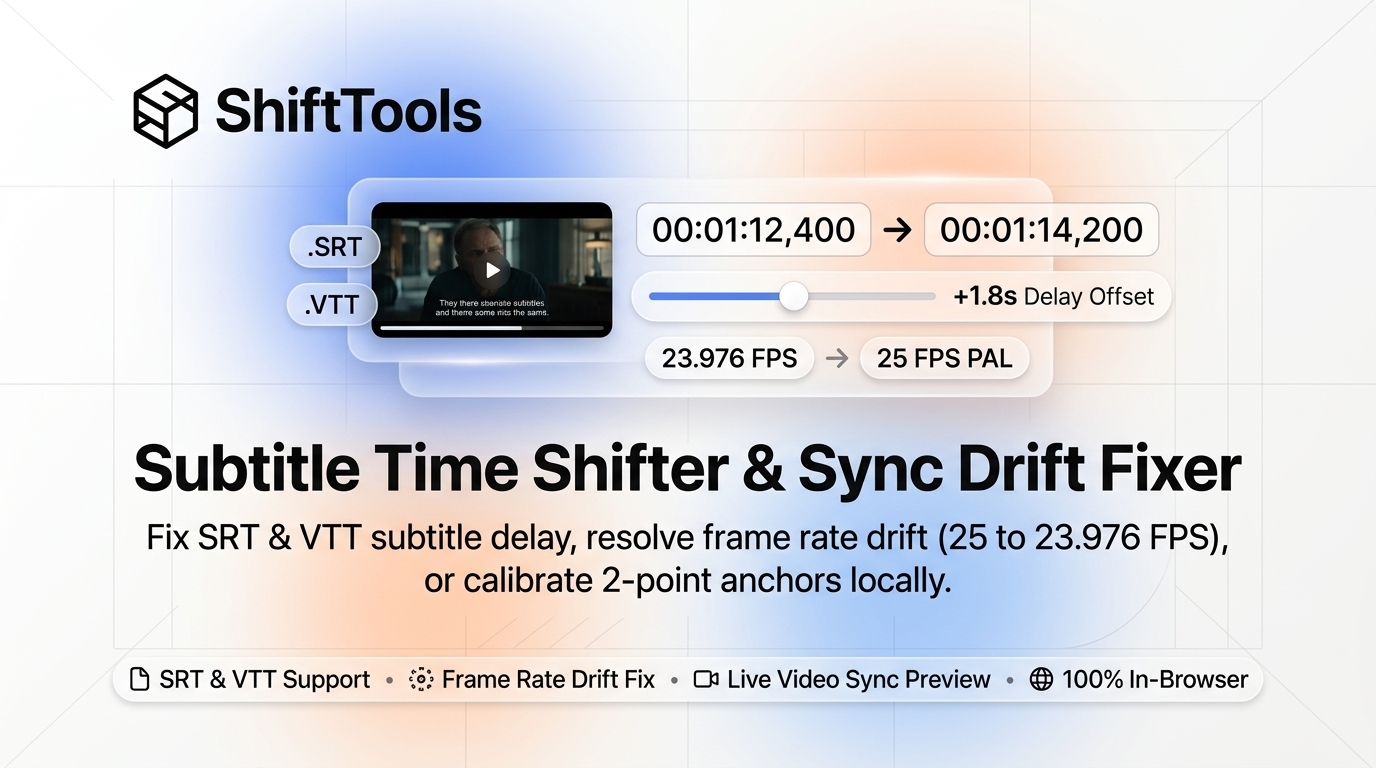
There are few experiences in digital entertainment more disruptive than out-of-sync subtitles. When dialogue appears two seconds before an actor opens their mouth—spoiling suspenseful plot twists and punchlines before they are delivered—or lags behind the audio during fast-paced conversations, immersion is completely destroyed.
Subtitle desynchronization is not a random glitch; it is the predictable byproduct of complex video encoding, regional broadcast standards, frame rate conversions, and conflicting container edits. Merely shifting the entire subtitle track forward or backward by a fixed offset frequently fails: the subtitles align perfectly during the opening scene, but gradually drift further out of sync by the middle of the film.
Historically, correcting desynchronized subtitles required downloading specialized desktop software suites or installing terminal utilities. Online subtitle tools, on the other hand, frequently force file uploads, corrupt international UTF-8 accents, or add promotional watermarks to output files.
In this engineering guide, we dissect the format architecture of SubRip (SRT) and WebVTT (VTT), explain the mathematical physics behind Constant Offset vs Progressive Framerate Drift, teach 2-Point Anchor Affine Calibration, and show you how to resync any subtitle file with millisecond accuracy using the free ShiftTools Subtitle Shifter.
Looking for an instant, private Subtitle Shifter?
Process, inspect, and export your files 100% locally in your browser memory with zero server uploads.
1. Anatomical Breakdown: SRT vs WebVTT File Specifications
Before correcting subtitle timings, you must understand the file specifications governing how video players parse timestamps.
A. SubRip (.srt) Format
Originally developed in the late 1990s to rip DVD sub-pictures into text, SRT is the most widely supported subtitle format in existence. Its strict rules require:
- A sequential integer index ($1, 2, 3...$) preceding each cue.
- A timestamp string formatted strictly as
HH:MM:SS,mmm, where hours, minutes, and seconds are separated by colons, and milliseconds are separated by a comma (,). - A single blank line terminating each cue block.
B. WebVTT (.vtt) Format
Standardized by the W3C for HTML5 <track> video elements, WebVTT modernized subtitle delivery for web browsers:
- Must begin with a
WEBVTTheader on the very first line. - Uses a period/dot (
.) for millisecond separation:HH:MM:SS.mmm. - Supports rich cue positioning (
line:70% position:50%) and styling spans (<v Narrator>,<c.yellow>).
2. The Three Forms of Subtitle Desynchronization
Fixing out-of-sync subtitles requires diagnosing which of the three distinct mathematical failure modes is occurring:
Mode 1: Constant Time Offset (Linear Translation)
In a constant offset scenario, every subtitle cue in the file is shifted by the exact same time delta $\Delta t$ across the entire movie:
Root Cause: This happens when the subtitle file was ripped from a release with a different opening sequence—such as a 5-second studio logo (Warner Bros, Universal) or a recap segment that was excised from your specific video rip. If the dialogue is delayed by 3.2 seconds at the beginning, it will remain delayed by exactly 3.2 seconds at the end of the film.
Mode 2: Progressive Framerate Drift (Scaling / Dilation)
In progressive drift, the subtitles start in perfect alignment during the opening scene, but gradually drift further out of sync with each passing minute. By the 60-minute mark, the subtitles are several seconds off:
Root Cause: Framerate Conversion Discrepancy. Motion picture theatrical film is shot at 24.000 FPS (or 23.976 FPS in NTSC broadcast standard). When films are adapted for European television broadcast (PAL standard), they are sped up by roughly 4% to match 25.000 FPS (the classic PAL 25 FPS Speedup):
| Source Video Framerate | Target Subtitle Framerate | Mathematical Scale Ratio | Drift Accumulation (Per 60 Mins) |
|---|---|---|---|
| 23.976 FPS (NTSC Film) | 25.000 FPS (PAL Broadcast) | $23.976 / 25.000 \approx \mathbf{0.95904}$ | Subtitles run ~2.46 minutes FAST |
| 25.000 FPS (PAL Broadcast) | 23.976 FPS (NTSC Film) | $25.000 / 23.976 \approx \mathbf{1.04271}$ | Subtitles run ~2.56 minutes SLOW |
| 24.000 FPS (True Cinema) | 23.976 FPS (NTSC) | $24.000 / 23.976 \approx \mathbf{1.00100}$ | Subtitles run ~3.6 seconds SLOW |
Mode 3: Theatrical vs Extended Cut Desync
If a subtitle track was transcribed for a theatrical release, but you are playing a Director's Cut with additional scenes inserted throughout the timeline, no single linear formula can fix the entire file. The file must be split into segments at the insertion points and offset independently.
3. The Ultimate Solution: 2-Point Anchor Affine Calibration
When a subtitle track suffers from both an initial delay and framerate drift, manual trial-and-error adjustment is frustrating. The mathematical solution is 2-Point Linear Interpolation (Affine Transformation):
By simply aligning two known dialogue points—one near the beginning of the movie, and one near the end—the algorithm calculates the exact slope (framerate stretch factor) and intercept (starting delay) to synchronize every single intermediate cue with mathematical perfection.
4. Solving Character Encoding Errors (Mojibake)
A common issue when editing subtitle files is Mojibake: seeing scrambled characters like é instead of é, or ’ instead of an apostrophe ’.
This occurs when older subtitle files saved in Windows-1252 or Latin-1 (ISO-8859-1) are interpreted by modern players expecting UTF-8 Unicode.
The ShiftTools Subtitle Shifter uses the browser's native TextDecoder API with automatic character set sniffing. It transparently decodes legacy Western, Cyrillic, Greek, and Asian character corpuses, re-encoding all exported subtitles into pristine, universal UTF-8 with zero character corruption.
5. Step-by-Step Guide: Resyncing Subtitles with ShiftTools
-
Open ShiftTools Subtitle Shifter
Navigate to ShiftTools Subtitle Shifter in your browser. The tool runs locally with zero uploads and zero account registration.
-
Load Your SRT or WebVTT File
Drag and drop your subtitle file onto the interface. ShiftTools parses all cue records into an interactive data grid displaying cue indexes, start times, end times, and dialogue text.
-
Choose Your Synchronization Method
Select your adjustment mode:
- Constant Offset: Enter a positive or negative millisecond value (e.g.
+1500msto delay, or-800msto advance). - Framerate Preset: Click one-click conversion buttons (e.g.
25 FPS → 23.976 FPS). - 2-Point Anchor Sync: Input the original vs target timestamps for your opening and closing dialogue anchors.
- Constant Offset: Enter a positive or negative millisecond value (e.g.
-
Preview & Download Synchronized File
Inspect the updated timestamps in the real-time preview table. Choose whether to export as Clean SRT or Modern WebVTT, and click Download Synchronized Subtitles.
6. Comparison Matrix: ShiftTools vs Alternatives
| Feature | ShiftTools Subtitle Shifter | Cloud Subtitle Sites | VLC Player Hotkeys |
|---|---|---|---|
| Permanent File Saving | Yes (Exports new modified file) | Yes | No (Temporary RAM playback only) |
| Progressive Framerate Drift Fix | Yes (Built-in scale ratios) | Rarely supported | No |
| 2-Point Anchor Calibration | Yes (Automatic affine math) | No | No |
| Privacy & Zero-Upload | 100% In-Browser (Local) | Uploads text to cloud | 100% Local Desktop |
| SRT to WebVTT Conversion | Included Bidirectional | Often requires separate tool | No |
Frequently Asked Questions
Ready to use the Subtitle Shifter?
Use our free, private browser tool right now — 100% client-side with zero server uploads.