
For millions of Windows users and enterprise system administrators, the native Microsoft Store application can be a frustrating obstacle. Whether you are managing locked-down Windows 10 or 11 Enterprise workstations, servicing high-security air-gapped laboratory networks, deploying golden system images via Microsoft Intune or SCCM, or simply trying to install a critical utility on Windows Server or Windows LTSC (Long-Term Servicing Channel)—where the Store application is deliberately absent by default—the standard "Get it from Microsoft Store" button is completely useless.
Compounding the issue, Windows Store clients frequently suffer from ambiguous download hangs, error codes like 0x80070422 or 0x80246019, mandatory Microsoft account sign-in prompts, or corporate firewall policies that block the ms-windows-store:// protocol entirely.
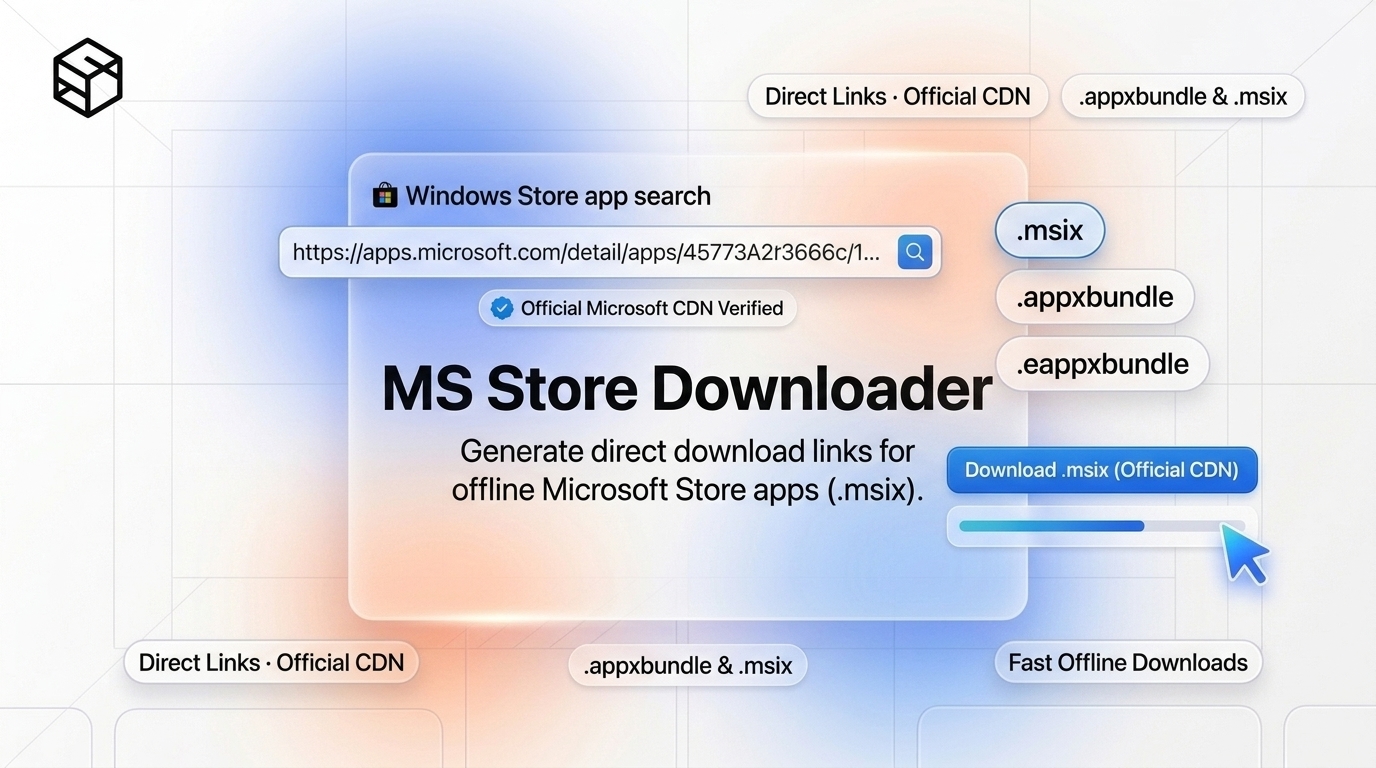
Fortunately, the underlying Windows packaging architecture does not require the Store client to function. Behind the scenes, Microsoft packages software into standardized, cryptographically signed containers known as AppX (.appx, .appxbundle) and MSIX (.msix, .msixbundle) packages. In this comprehensive engineering guide, we will unpack how Microsoft's delivery infrastructure operates, show you how to generate direct official CDN download URLs using the ShiftTools Microsoft Store Downloader, and walk through deploying these packages on any Windows machine using native PowerShell and DISM commands.
Looking for an instant, private MS Store Downloader?
Process, inspect, and export your files 100% locally in your browser memory with zero server uploads.
1. Demystifying the Windows App Distribution Pipeline
When you click "Install" on an app in the Microsoft Store UI, your operating system is not downloading a traditional monolithic setup.exe or .msi installer. Instead, the OS communicates with the Windows Update Delivery Optimization (WUDO) service and the Windows Store catalog backend via SOAP/XML web services (historically referred to as the Fe3 protocol).
The backend resolves the application's unique 12-character Product ID (such as 9NBLGGH4NNS1 for modern utilities), queries the active software catalog, and returns a manifest containing direct download URLs hosted on official Microsoft Content Delivery Networks (such as tlu.dl.delivery.mp.microsoft.com).
Because these download URLs are hosted on Microsoft's high-speed global edge servers, downloading the package standalone does not require logging into a personal or organizational Microsoft account. Furthermore, all packages are signed with Microsoft's Authenticode root certificates, guaranteeing tamper-proof binary integrity.
2. Understanding Package Formats: .appx vs .msix vs .bundle
When inspecting the files returned for any given application, you will encounter several different file extensions and architecture variants. Understanding the distinction is essential for choosing the correct installer.
A. AppX (.appx)
Introduced with Windows 8, AppX was Microsoft's initial modern application packaging standard. An .appx file is essentially an encrypted or compressed ZIP archive that includes:
AppxManifest.xml: Metadata specifying capabilities (network access, microphone permissions), executable entry points, and OS requirements.AppxBlockMap.xml: Cryptographic hashes for every 64KB block within the container, enabling differential updates and real-time corruption detection.AppxSignature.p7x: The digital PKI signature tying the package back to the verified publisher.
B. MSIX (.msix)
Introduced in Windows 10 (version 1809), MSIX is the modern successor to AppX. It brings containerized execution, virtualization isolation (preventing applications from polluting system registry keys or the System32 folder), and robust uninstallation guarantees that leave zero orphaned system files behind.
C. Bundles (.appxbundle, .msixbundle)
Rather than distributing independent packages for every processor architecture and display DPI, developers compile an AppX Bundle or MSIX Bundle. A bundle contains the compiled binaries for x86 (32-bit), x64 (64-bit), and ARM64, along with multiple language packs and asset resolutions. When you run a .bundle, Windows automatically inspects your CPU architecture and extracts only the appropriate payload.
| Extension | Container Type | Supported Architectures | Recommended Use Case |
|---|---|---|---|
| .msixbundle | Modern Unified Container | x64, ARM64, x86 in single package | Recommended for Windows 10/11 |
| .appxbundle | Legacy Unified Container | x64, ARM64, x86 in single package | Recommended for older Windows 10 builds |
| .msix | Single Architecture Binary | Strictly x64 or ARM64 or x86 | Direct deployment on target architecture |
| .appx | Single Architecture Binary | Strictly x64 or ARM64 or x86 | Legacy UWP deployments |
3. The Critical Role of Framework Dependencies (VCLibs & UI.Xaml)
The single most common mistake users make when installing offline Store apps is downloading only the primary application bundle and attempting to run it immediately. Doing so often results in an error stating:
Deployment failed with HRESULT: 0x80073CF3, Package failed updates, dependency or conflict validation.
Windows cannot install package because this package depends on a framework that could not be found.
Modern Windows Store applications rely on shared operating system runtime libraries rather than bundling duplicate copies of C++ or UI frameworks inside their own installers. The most frequent dependencies include:
- Microsoft.VCLibs: The Visual C++ Runtime framework for UWP/MSIX applications.
- Microsoft.UI.Xaml: The modern Fluent Design UI rendering engine.
- Microsoft.NET.Native.Runtime & Framework: Ahead-of-time compiled .NET runtimes.
When using ShiftTools Microsoft Store Downloader, review the results table carefully. Identify the framework dependencies that match your computer's architecture (typically x64 for modern Intel/AMD PCs) and install those before executing the primary application package.
4. Step-by-Step: Extracting Direct CDN Links with ShiftTools
Follow these steps to obtain clean, official Microsoft installation packages:
-
Find the Microsoft Store App URL or Product ID
Search for your target application on the web (e.g., in a browser search engine like Google or Bing) or open the web version of the Microsoft Store at
apps.microsoft.com. Copy the full URL from your browser address bar (for example:https://apps.microsoft.com/detail/9nblggh4nns1). You can also simply copy the 12-character alphanumeric code at the end of the URL, known as the Product ID. -
Enter the URL into ShiftTools Store Downloader
Open the ShiftTools Microsoft Store Downloader. Paste the URL or Product ID into the input field, select your preferred release channel (usually Retail (RP) for standard stable releases), and click Generate Download Links.
-
Identify Your Architecture & Download Packages
The tool queries the official catalog backend and lists all matching artifacts. Download the main application file (typically ending in
.msixbundleor.appxbundle) as well as any corresponding dependencies matching your CPU architecture (e.g.,Microsoft.VCLibs.140.00_..._x64.appx).
5. How to Install Offline Packages via PowerShell & DISM
Once you have transferred the downloaded files to your destination machine (via USB stick, local network share, or local disk), install them using native Windows management tools.
Method A: Standard User Installation via PowerShell
Press Win + X and select Windows Terminal or PowerShell.
# Step 1: Install prerequisite runtime dependencies (x64)
Add-AppxPackage -Path "C:\Downloads\Microsoft.VCLibs.140.00_14.0.33519.0_x64__8wekyb3d8bbwe.appx"
Add-AppxPackage -Path "C:\Downloads\Microsoft.UI.Xaml.2.8_8.2310.30001.0_x64__8wekyb3d8bbwe.appx"

# Step 2: Install the primary application bundle
Add-AppxPackage -Path "C:\Downloads\PackageName_1.2.3.0_neutral_~_8wekyb3d8bbwe.msixbundle"
Method B: Provisioning for All Users on LTSC / Enterprise (DISM)
If you are an IT administrator configuring an enterprise machine, a virtual desktop infrastructure (VDI) pool, or an air-gapped system where multiple local users log in, installing an app per-user is inefficient. You should provision the package system-wide so that every new or existing user account receives it automatically upon login:
# Run PowerShell or Command Prompt as Administrator:
dism.exe /Online /Add-ProvisionedAppxPackage `
  /PackagePath:"C:\Deploy\PackageName.msixbundle" `
  /DependencyPackagePath:"C:\Deploy\Microsoft.VCLibs.x64.appx" `
  /SkipLicense
6. Security and Authenticode Verification
One of the primary reasons enterprise sysadmins prefer downloading official packages directly from Microsoft rather than using third-party repackagers is Authenticode digital signature verification.
To verify that your downloaded .msixbundle has not been modified or corrupted, you can check its cryptographic signature directly in PowerShell:
# Inspect the digital signature
Get-AuthenticodeSignature -FilePath "C:\Downloads\PackageName.msixbundle" | Format-List
The status will return Valid, signed by CN=Microsoft Corporation, O=Microsoft Corporation, L=Redmond, S=Washington, C=US. If even a single byte inside the archive was manipulated, the cryptographic hash check fails and Windows refuses to execute the deployment.
| Deployment Scenario | Windows Store App UI | ShiftTools Direct CDN Method |
|---|---|---|
| Air-Gapped / Offline Workstations | Impossible (Requires Internet) | Seamless via USB / LAN |
| Windows 10/11 LTSC / Server Editions | Not Installed / Unsupported | 100% Native PowerShell Support |
| Account Requirement | Often prompts for Microsoft login | Zero Account Required |
| Mass Enterprise Deployment (SCCM/Intune) | Requires Store for Business / Complex Sync | Direct MSIX Package Ingestion |
| Version Archiving / Rollback | Forces automatic updates | Keep permanent offline copies |
Frequently Asked Questions
Ready to use the MS Store Downloader?
Use our free, private browser tool right now — 100% client-side with zero server uploads.